
Bursts and duplicates
Similar frames fold into a burst, the sharpest one with the best faces is marked. Ten frames instead of a hundred.
Culling
Smart culling computes bursts, faces and quality right on your Mac. You only look at what deserves a decision — and decide from the keyboard.
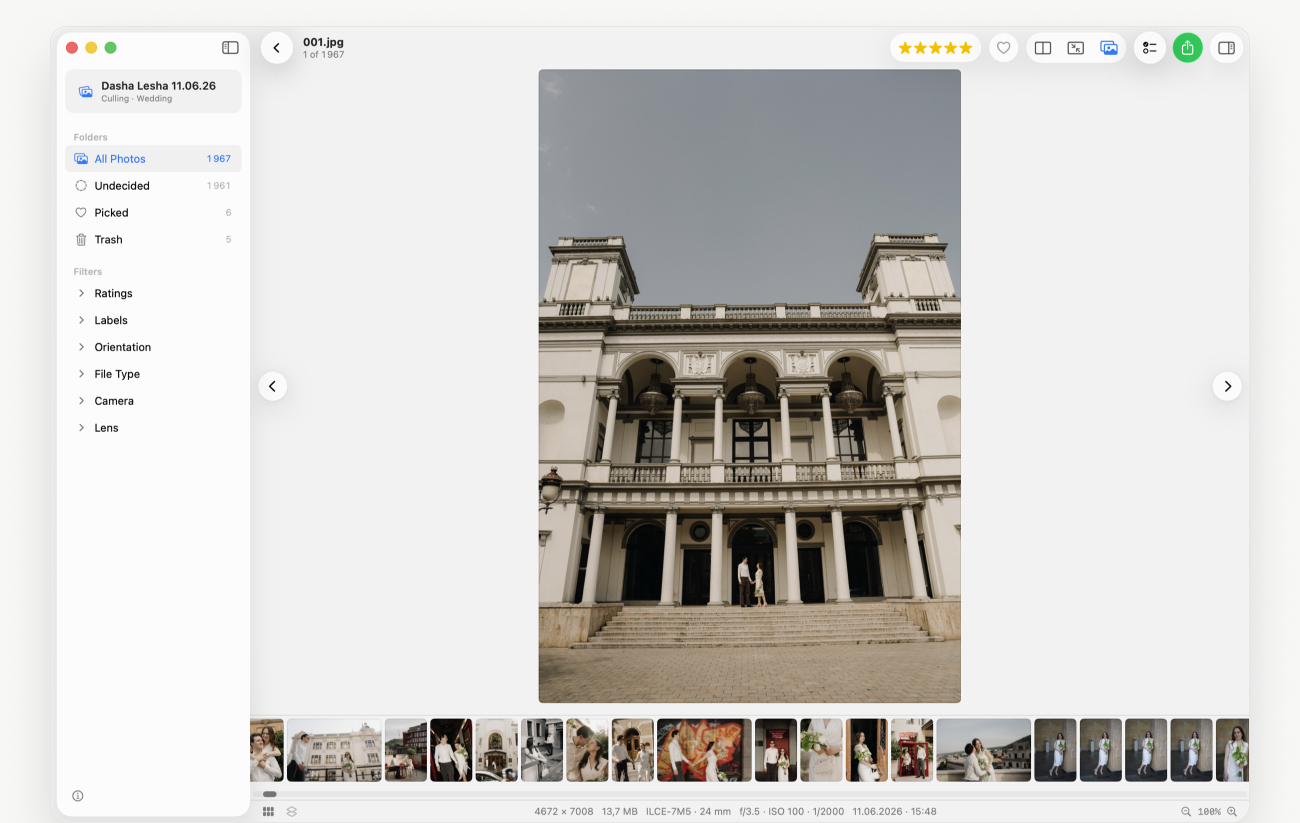
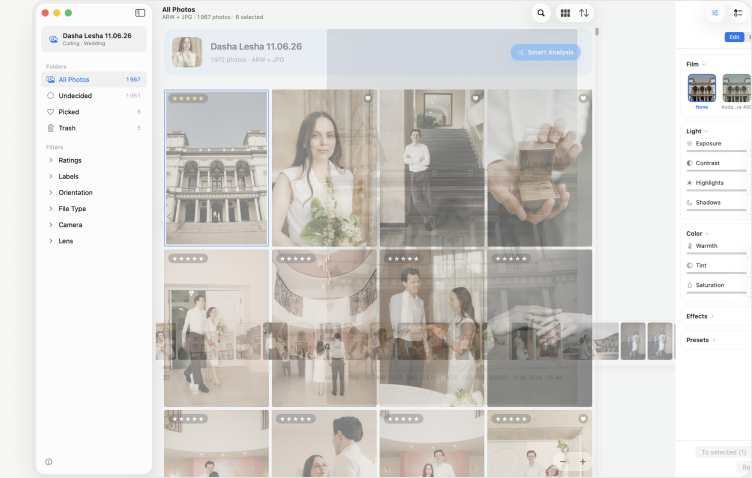
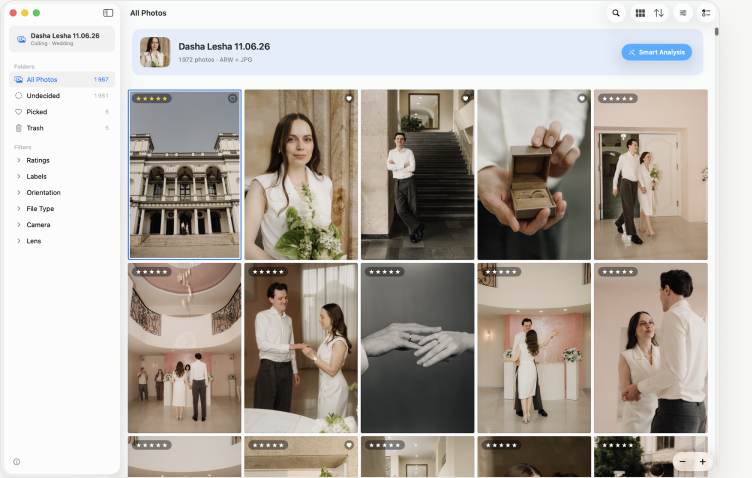
Similar frames fold together; the sharpest one with open eyes goes first.
Similar frames fold into a burst, the sharpest one with the best faces is marked. Ten frames instead of a hundred.
Faces are found and grouped by person. Blinks and turned-away heads go to a separate slice.
Blurry and out-of-focus frames gathered in one place. One glance — and into the bin.
The shoot splits into moments: getting ready, ceremony, walk. Wide, medium, close-up — as a filter.
Two to four frames next to each other with a synced loupe. Stars, hearts and labels — from the keyboard.
Folders for “what the delivery must include”: drag a frame in and the item ticks itself. The client gets everything.
Editing while culling
Film looks, exposure, contrast, highlights and shadows, warmth and tint. One frame, the selection or the whole shoot — “Apply to all”. Edits show in the grid, the viewer and compare, and the “eye” shows the frame before and after.
Marks, stars, edits and the board live next to the project, not inside your RAW and JPEG files. Everything you graded materialises only on export — and you choose how:
Copies of the files as they are, metadata kept. For the lab and the archive.
Processed JPEGs in a “With edit” subfolder, originals untouched.
Ratings and labels in XMP next to the frames. Open the catalogue — the pick is already there.
Early access
Leave your email and we’ll send one invite, not a newsletter. Early users get 30% off the first year.
From the maker of TinyFolder and Impro for Mac.