Film looks
A curated set of looks in the spirit of classic negative and slide films. One click, and the shoot has a character.
Editing
Film looks in the spirit of Portra and Classic Chrome, exposure, contrast, shadows and warmth. One frame, the selection or the whole shoot. The files on disk never change.
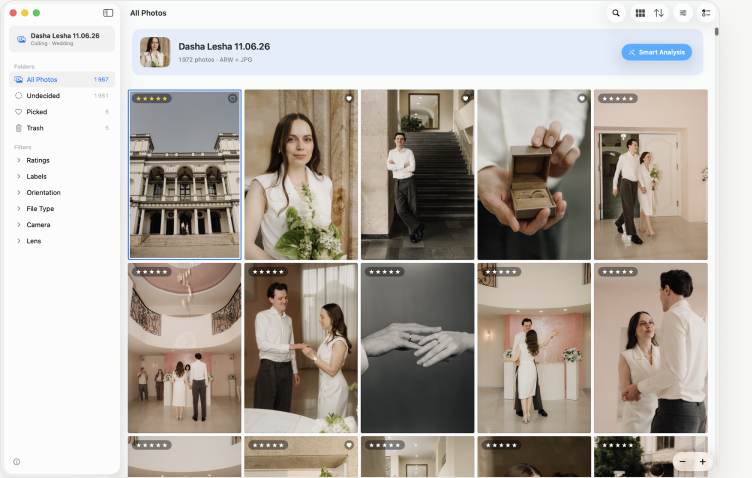
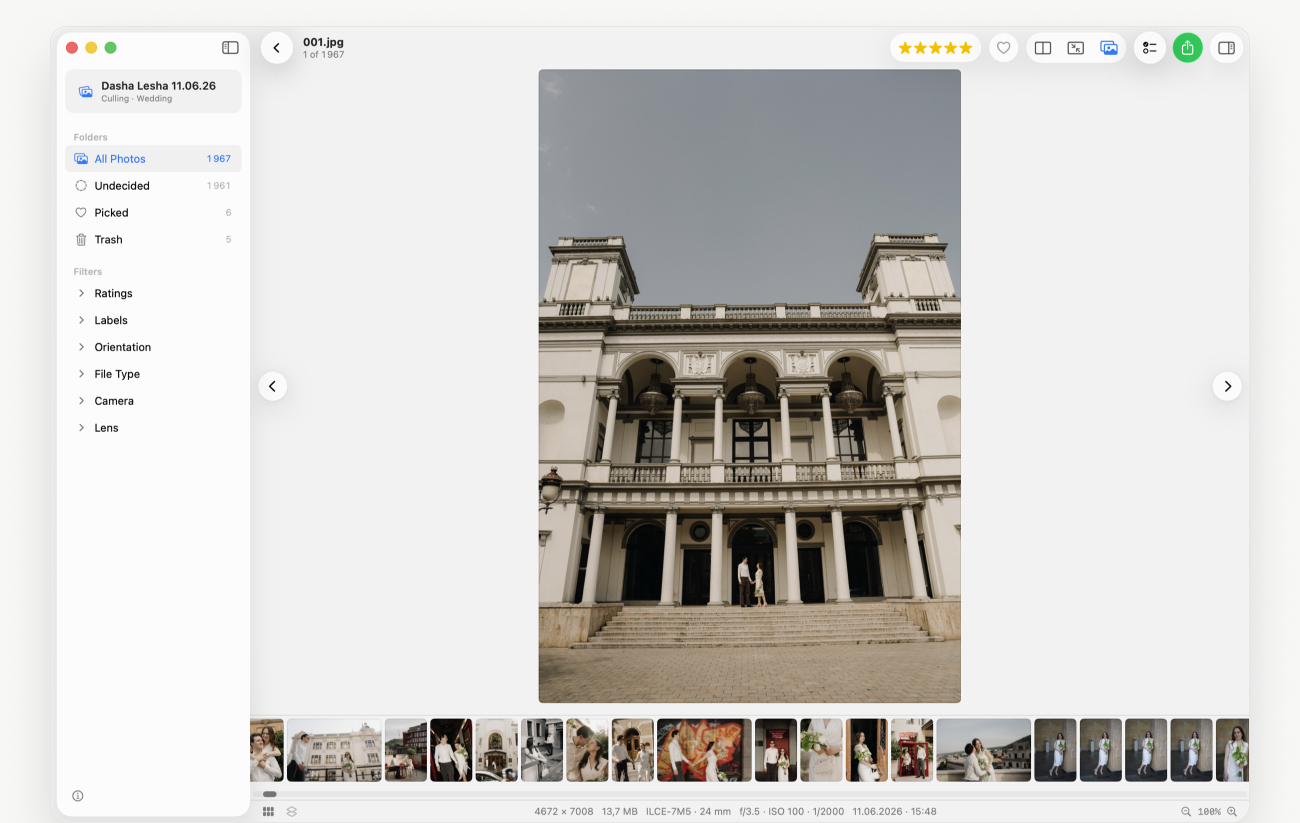
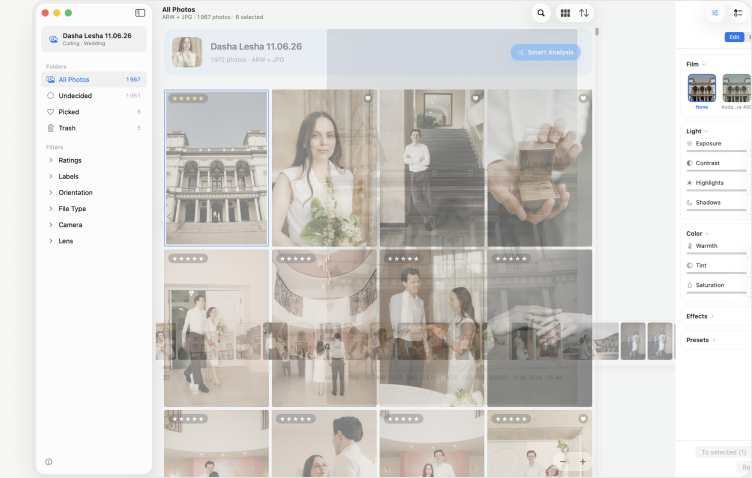
Film looks are previews here; the real ones render on your Mac.
A curated set of looks in the spirit of classic negative and slide films. One click, and the shoot has a character.
Exposure, contrast, highlights and shadows with sliders that behave like a camera, not a chemistry lab.
Warmth, tint and saturation on top of the film look, so skin stays skin.
Lay the edit on the selection or the whole shoot at once. Consistent from the first frame to the last.
Hold the eye to see the original. Edits show in the grid, the viewer and side-by-side compare.
The edit lives next to the project and only leaves in export. RAW and JPEG on disk stay as they were.
Film, not AI profiles
Other tools train an AI on your past edits and apply it to new shoots. Selecta gives you film looks and light controls you can see and adjust, so every shoot looks deliberate — and everything runs on your Mac, with no uploads and no credits.
Copies of the files as they are, metadata kept. For the lab and the archive.
Processed JPEGs in a “With edit” subfolder, originals untouched.
Ratings and labels in XMP next to the frames. Open the catalogue — the pick is already there.
Early access
Leave your email and we’ll send one invite, not a newsletter. Early users get 30% off the first year.
From the maker of TinyFolder and Impro for Mac.